Card Aging: Using Time-in-Column to Find Work That Has Quietly Stalled
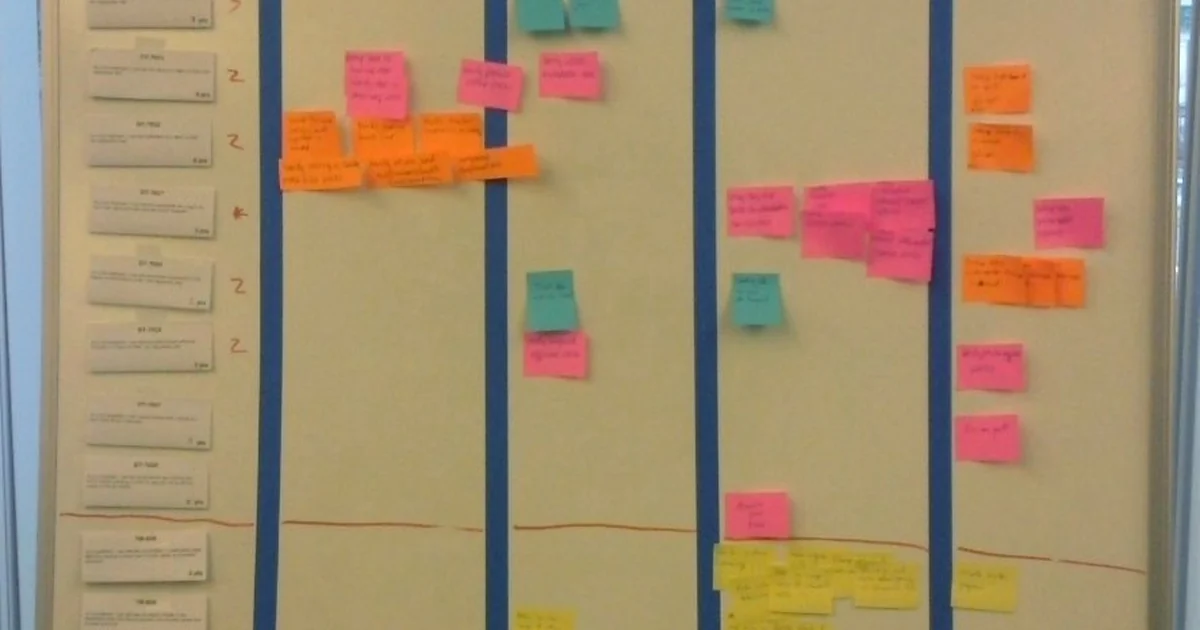
Most task boards show where work is, but not how long it has been there. A card that moved to "In Progress" three weeks ago looks the same as one that moved this morning. Card aging is the practice of paying attention to elapsed time in each column, so that stalled work becomes visible before a deadline makes it obvious. Teams that use Workboard Pro for launches, planning, and fast-moving work can apply this idea with whatever column structure they already have, without adding new tools or rituals that feel heavy.
What card age actually measures
Card age is the time a card has spent in its current column. It is different from the age of the card itself, which tells you when someone created it. A card created last month that moved to "Ready for Review" yesterday is young in its current state, even though it is not new work. Keeping these two ideas separate prevents misreadings during reviews.
The most useful version of this measure is time-in-column, recorded at the card level. When a card enters a column, note the date. During a review, you can then compare how long each card has been waiting against the typical duration for that column. If review cards usually clear in two days and one has sat for nine, that gap is the signal worth examining.
Setting a baseline before you judge
A single old card means little. Aging only becomes meaningful against a baseline your team recognizes. Over two or three weeks of normal work, look at how long cards typically stay in each column. Some columns will naturally hold work longer, such as design or vendor review, and that is fine. The goal is to know your team's normal rhythm so that unusual waiting stands out.
Once you have a rough sense of normal duration, decide on a threshold for attention. Many teams find that a card lingering at roughly twice the typical column time deserves a short question, not an alarm. Write the threshold down so the group agrees on it, which keeps the conversation about the work rather than about who is behind.
Turning old cards into useful questions
When a card crosses the threshold, the right response is a question, not a judgment. Useful questions include: Is this blocked, and by what? Has the scope changed since it was written? Does the owner still believe this is the next thing to do? Is the card in the right column at all? Often the answer is that the card is waiting on something outside the team, such as a decision, a dependency, or a missing asset, and the board simply never recorded that wait.
Some stalled cards should be closed or split. A card that has aged for weeks may describe work that no longer matters. Splitting a large card into smaller pieces can also reveal that only one small part is stuck, which frees the rest to move.
A short checklist for a card aging review
Run this check at the start of a weekly review, and keep it under fifteen minutes. First, scan each column and note any card past its threshold. Second, for each flagged card, ask who owns it and what the next concrete step is. Third, identify whether the wait is internal or external, because external waits need a named contact and a date. Fourth, decide one of three outcomes for each card: move it forward with a specific next action, mark it blocked with a reason, or retire it. Fifth, record the review's outcome in whatever place your team uses for decisions, so the same card is not rediscovered with fresh surprise next week.
The discipline matters more than the tool. A board that captures entry dates and a short habit of reviewing old cards will catch slippage far earlier than a board that only shows current status. Card aging turns time, which is usually invisible, into one of the most honest signals a busy team can read.