Workboard Pro Task Boards: Designing Columns Around Who Holds the Work
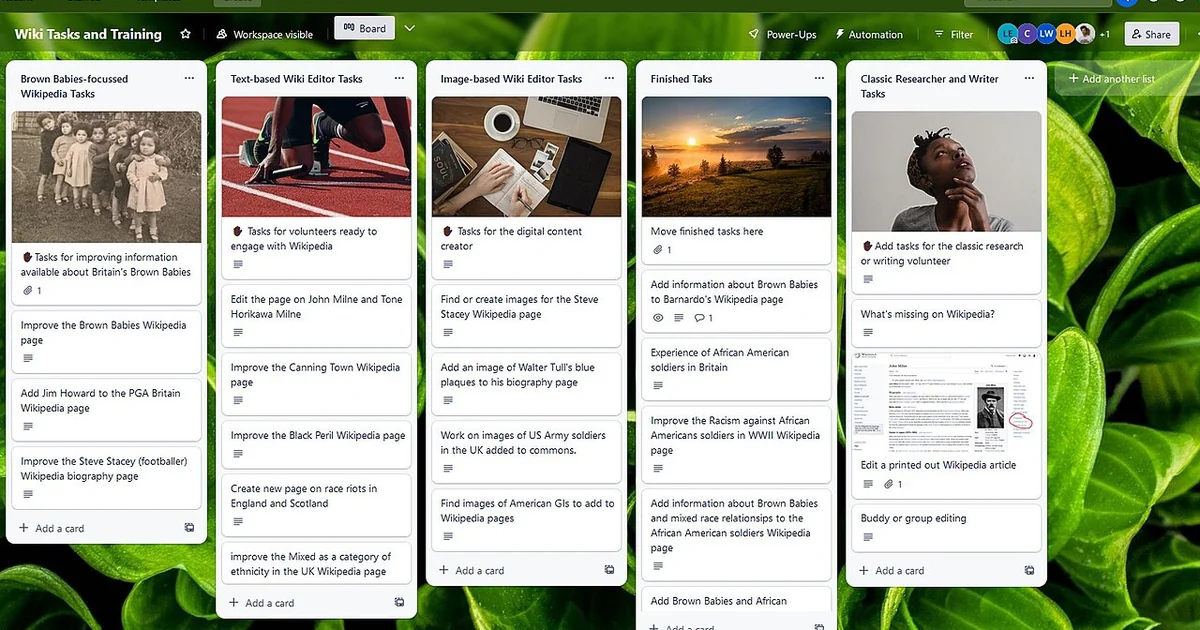
Workboard Pro is built for private workboards that support launches, planning, and fast-moving teams, and a board is only as useful as the questions its structure makes possible. Most task boards start with columns like To Do, Doing, and Done. Those labels describe progress, but they say little about who is holding a card, whether anyone is waiting on it, or where a piece of work has settled into limbo. This article takes a different angle: designing columns around ownership and handoff points, so that the board itself shows where responsibility is clear and where it quietly disappears.
Why generic status columns hide ownership
A standard three-column board tells you that a card is in progress, but it does not tell you whether the person who moved it there is the one doing the work. In a small team, everyone assumes they know. In a busy team with founders pulled into five conversations a day, that assumption fails quietly. A card sits in Doing for nine days, and nobody can say with confidence whether the owner is blocked, has moved on, or never truly accepted it.
The fix is not more columns for their own sake. It is choosing columns that map to moments when responsibility changes or when work needs a decision. A column is useful when a card entering it forces a question that someone must answer. If a card entering a column triggers no question, the column may be decorative.
Designing columns around decision points and handoffs
Start by listing the places where work changes hands in your team. For a product launch, these might be: request received, scoped and accepted by an owner, waiting on another team, in build, ready for review, and shipped. Each of those transitions is a moment where ownership or dependency shifts. Turn each one into a column, and name the column after the state of the work rather than the activity. Waiting on design review is clearer than Review, because it tells the reader who is holding the card.
Keep the number of columns small enough that people will maintain them. Five to seven is a practical range for most teams. If you need more, you are probably mixing two concerns, such as workflow stage and priority, and should separate them with labels or a second board.
A checklist for reviewing your board's column design
Use these questions to test whether your columns reveal ownership. First, does every card in an active column have a named owner, and would a new teammate know who to ask about it? Second, does each column imply a specific next action, so that a card sitting there clearly needs something from someone? Third, is there a column for work that is waiting on another person or team, separate from work that is simply in progress? Fourth, when a card moves backward, is the reason obvious from the column it lands in? Fifth, can you tell in under a minute which cards have been in their current column the longest?
If you answer no to more than two of these, the column design is probably hiding ownership. Adjust one column at a time, and watch whether the team starts asking better questions in standups or async updates. A good column design makes those conversations shorter, because the board already answers the basic who and what.
Comparing ownership-first and activity-first boards
An activity-first board organizes columns around what people are doing: planning, building, testing, shipping. It is familiar and easy to set up, and it works reasonably well when one person owns most cards end to end. Its weakness appears when work crosses teams. A card in Testing might be waiting on a developer who has not picked it up, and the activity label obscures that.
An ownership-first board organizes columns around who holds the next move and what decision is pending. It takes more thought to set up and needs the team to update it honestly. The payoff is that stalls become visible without anyone having to chase them. For busy founders, this often means fewer status meetings, because the board shows the waits directly.
Many teams end up with a hybrid: a few workflow columns for the main stages, plus a clearly labeled waiting column that captures every dependency. That single addition tends to surface more hidden delay than any other change.
Keeping the design alive during a busy week
A column design is only valuable if people keep it current. The most common failure is cards that stay in a column after the work has moved on, because updating them feels like overhead. Make the update cheap: agree that moving a card is the status update, and that a card should never sit in a column whose label no longer describes it. Review the board briefly at a fixed point each week, looking specifically at the oldest cards in each column and asking why they have not moved.
When you revise columns, change one at a time and give the team a week with each change before judging it. Frequent restructuring signals that the columns were not grounded in how the work actually moves. The goal is a board that describes your team's real handoffs, so that anyone glancing at it can see where to ask a question and who to ask.